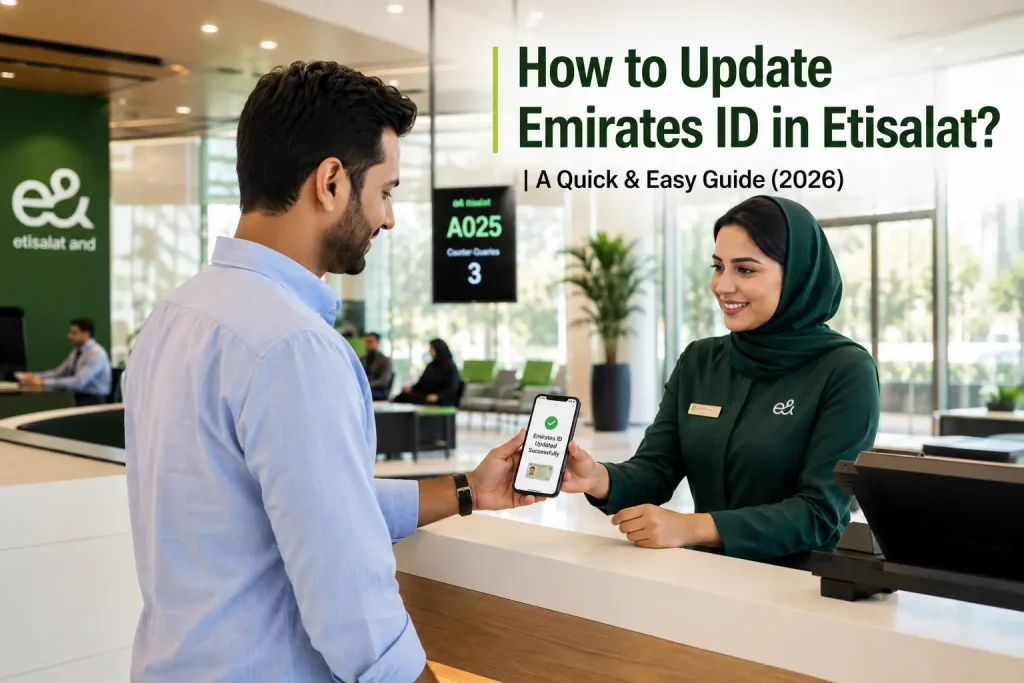
How to Update Emirates ID in Etisalat? | A Quick & Easy Guide (2026)
Renewed your Emirates ID? You also need to update it with your telecom provider. This step is mandatory under UAE law. Skipping it can suspend your mobile number. This guide covers Etisalat, Du, and Virgin Mobile UAE, with clear steps for each method.
What Is the Role of Emirates ID in Etisalat Services?
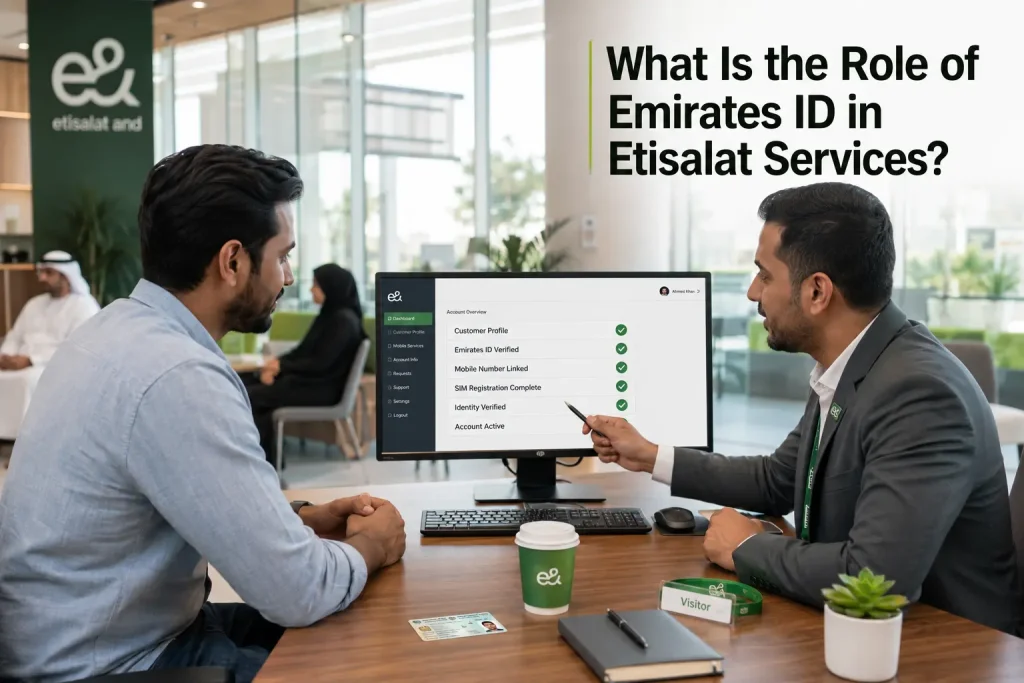
Your Emirates ID links directly to your Etisalat mobile number. Etisalat uses it to verify your identity for SIM registration. This is required under TDRA rules. Without a valid linked Emirates ID, Etisalat cannot keep your number active. The ID also supports billing, account security, and service access.
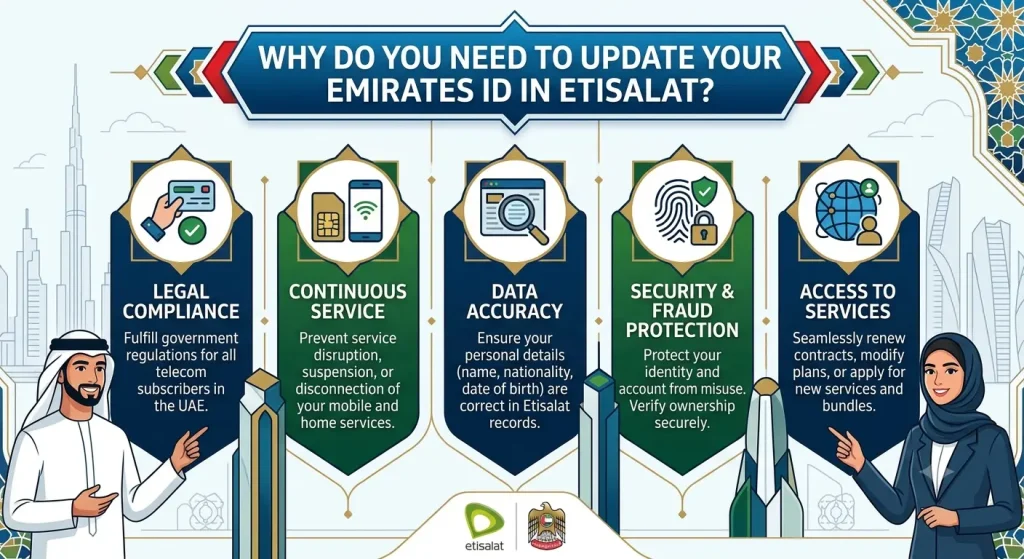
Why Do You Need to Update Your Emirates ID in Etisalat?
You must update your Emirates ID with Etisalat every time you renew it. The Telecommunications and Digital Government Regulatory Authority (TDRA) requires this for all UAE mobile users. If your old ID details remain on file, Etisalat may flag your account. This can lead to service interruption or full suspension.
Documents Required to Update Emirates ID in Etisalat
Keep these ready before you start the update process:
Requirement | Why It’s Needed |
|---|---|
Renewed Emirates ID | Confirms updated identity details |
UAE Pass account | Enables instant digital verification |
Registered mobile number | Matches your Etisalat account record |
Email address | Used for confirmation and tracking |
How to Update Emirates ID in Etisalat
Etisalat offers four ways to update your Emirates ID. Choose the one that suits you best.
Method 1: Update via the Etisalat Website
Method 2: Update Using the My Etisalat UAE App
Tip: Any Etisalat account not selected during this process may get deactivated. Select all numbers you want to keep active.
Method 3: Update at an Etisalat Store
Method 4: Update Using Etisalat Self-Service Payment Machines
How Long Does an Emirates ID Update Take?
Update Method | Processing Time |
|---|---|
My Etisalat App (UAE Pass) | A few hours to 24 hours |
Etisalat Website | Within 24 hours |
Etisalat Store | Often instant or same day |
Payment Machines | Same day |
You will receive an SMS confirmation once your Emirates ID is successfully linked.
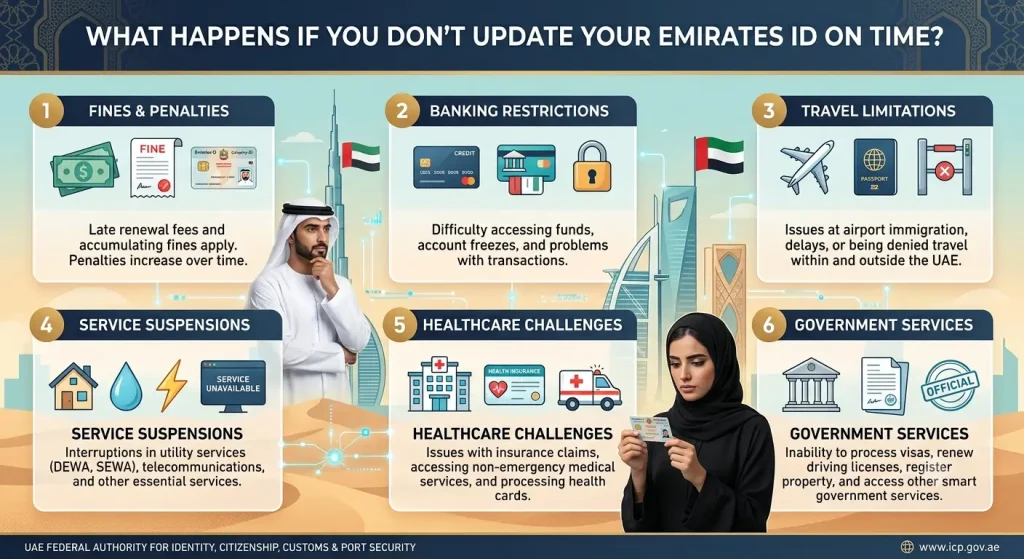
What Happens If You Don’t Update Your Emirates ID on Time?
Etisalat sends an SMS reminder once your Emirates ID nears expiry or after renewal. Ignoring this notice can cause problems.
Update your Emirates ID as soon as you renew it. Don’t wait for the suspension notice.
Common Problems While Updating the Emirates ID
Some users face technical or verification issues during the update. Here are the most common ones and how to fix them.
Emirates ID Verification Failed
This usually happens when the uploaded ID image is blurry or the data doesn’t match ICP records. Re-upload a clear, recent copy of your Emirates ID and try again.
Expired Emirates ID
You cannot update Etisalat records with an expired Emirates ID. Renew your Emirates ID through ICP first, then proceed with the Etisalat update.
Mobile Number Not Registered
If your number isn’t linked to an Emirates ID at all (for example, registered with a passport), the online update won’t work. Visit an Etisalat store directly to fix this.
Technical Errors During Submission
App or website glitches can interrupt the process. Clear your app cache, update the app to the latest version, or try again after a few hours.
How to Contact Etisalat Customer Support
How to Update Emirates ID in Du
Du customers also need to keep their Emirates ID updated. The process is similar to Etisalat, with three main options.
Update Through the Du Website
Update Using the Du App
Note: Du allows up to 5 mobile numbers to be registered under one Emirates ID.
Visit a Du Store or Customer Happiness Centre
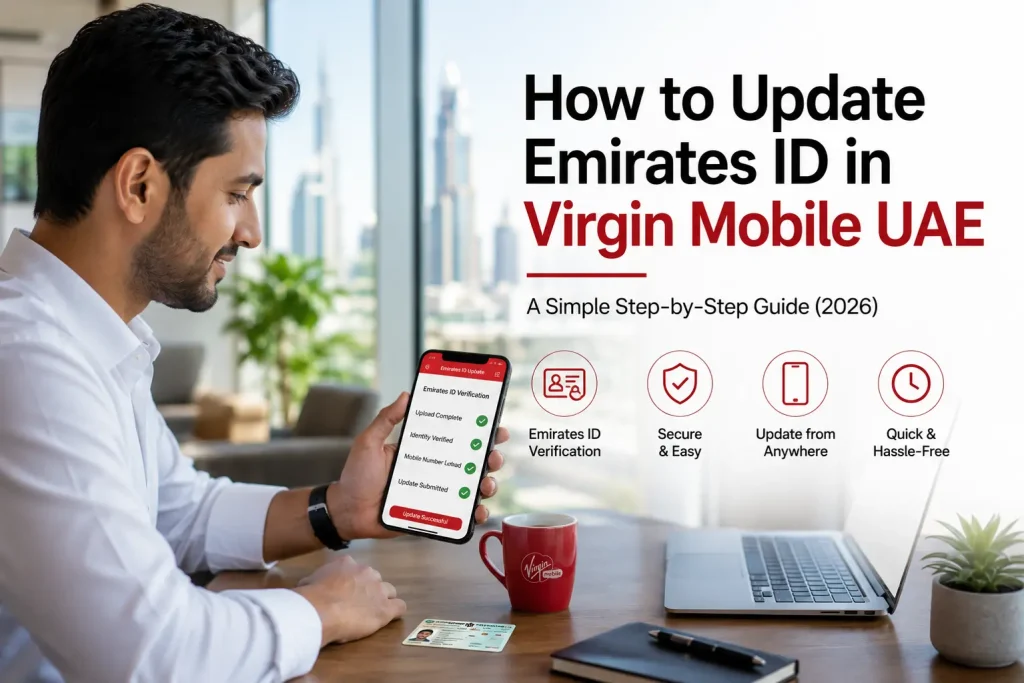
How to Update Emirates ID in Virgin Mobile UAE
Virgin Mobile UAE customers can also update their Emirates ID online or in person.
Update via the Virgin Mobile App
Visit a Virgin Mobile Store or Kiosk
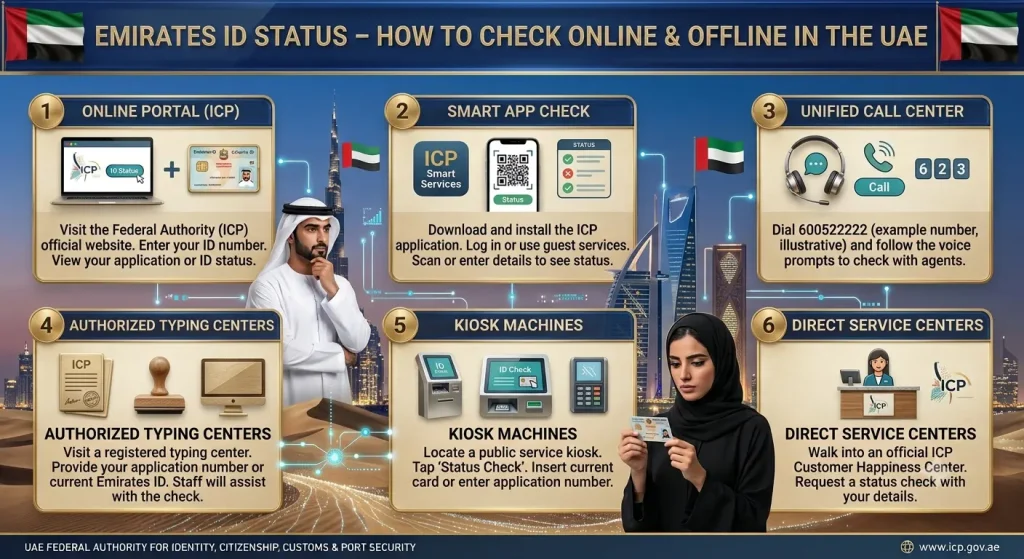
Emirates ID Status – How to Check Online & Offline in the UAE
You can check your Emirates ID status easily, whether you applied for a new card or a renewal.
Online:
Offline:
Status Check Method | What You Need |
|---|---|
ICP Website | Emirates ID number or PRAN |
UAEICP App | Registered account login |
ICP Helpline | Emirates ID number |
Frequently Asked Questions (FAQs)
Conclusion
Updating your Emirates ID with your telecom provider is a small step with big consequences if skipped. Whether you use Etisalat, Du, or Virgin Mobile, the process takes just a few minutes online. Always update as soon as you renew your Emirates ID to avoid service suspension.