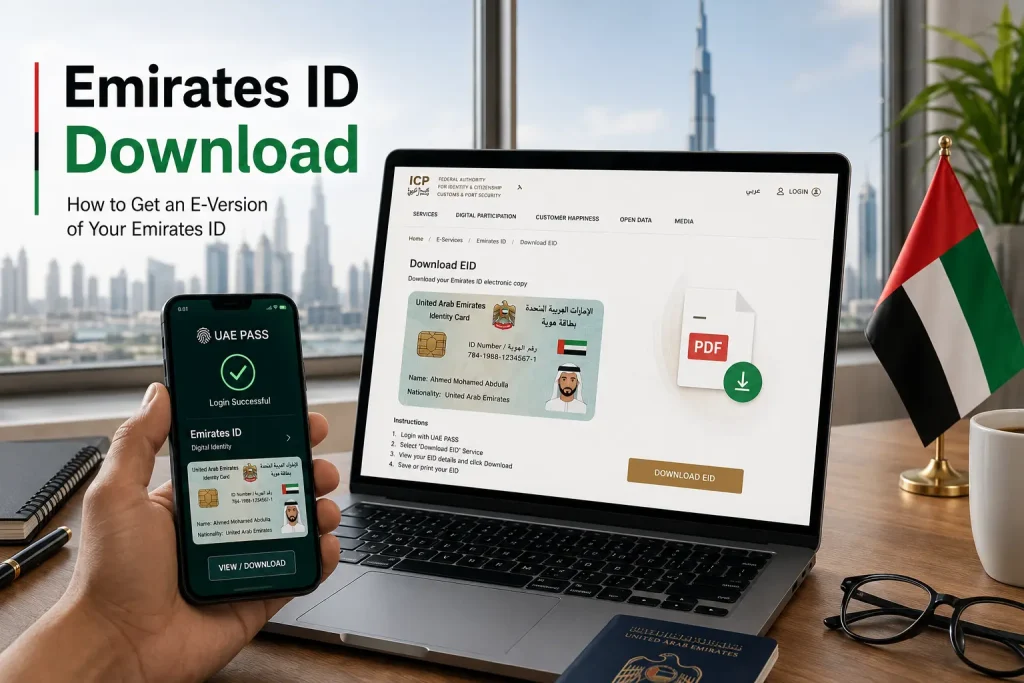
Emirates ID Download – How to Get an E-Version of Your Emirates ID
The Emirates ID is a mandatory identity document for all UAE residents and citizens. Today, you can get an e-version of your Emirates ID without visiting any office.
This digital copy is easy to download, legally valid, and accepted across government and private services in the UAE.
What is an Emirates ID Digital Copy?
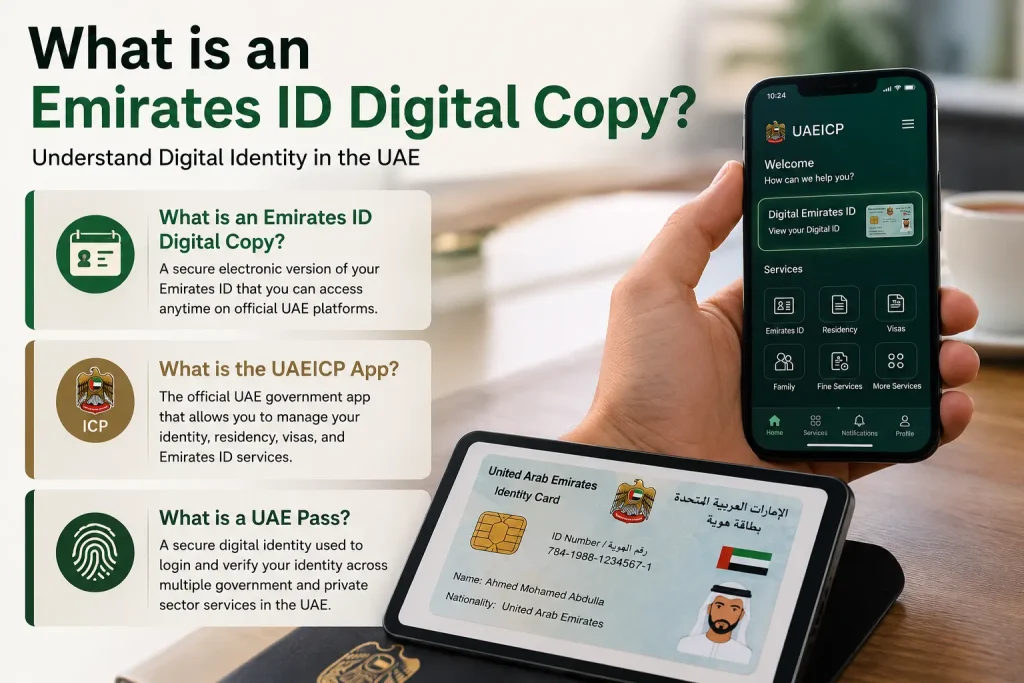
A digital Emirates ID is an electronic version of your physical card. It is issued by the Federal Authority for Identity, Citizenship, Customs, and Port Security (ICP).
You can store it on your smartphone and use it just like the physical card. It holds the same data, including your name, Emirates ID number, and expiry date.
Feature | Physical Emirates ID | Digital Emirates ID |
|---|---|---|
Format | Plastic card | PDF / App |
Accessibility | Carry in wallet | Access on phone |
Legal validity | Yes | Yes |
Loss risk | High | None |
Update speed | Requires reprint | Instant |
What is the UAEICP App?
The UAEICP App is the official mobile app of the ICP UAE. It lets you access your Emirates ID digital copy directly on your smartphone.
You can also use it to check application status, renew your ID, and access other ICP services. It is available on both iOS and Android.
What is a UAE Pass?
UAE Pass is the national digital identity platform of the UAE. It is a secure app that lets residents and citizens verify their identity online.
You can use UAE Pass to access over 6,000 government and private services. It also allows you to download your Emirates ID as a digital document.
Key Benefits of Using the E-Version of Your Emirates ID
The e-version of the Emirates ID offers real advantages for daily use in the UAE. It reduces the need to carry a physical card.
It also gives you instant access to your identity document at any time.
Convenient Access to Government and Public Services
With the digital Emirates ID, you can access services without your physical card. It works for:
You no longer need to worry about forgetting your card at home.
Enhanced Security Features
The digital Emirates ID uses advanced security features. These include:
These features make it harder to misuse or forge compared to a physical card.
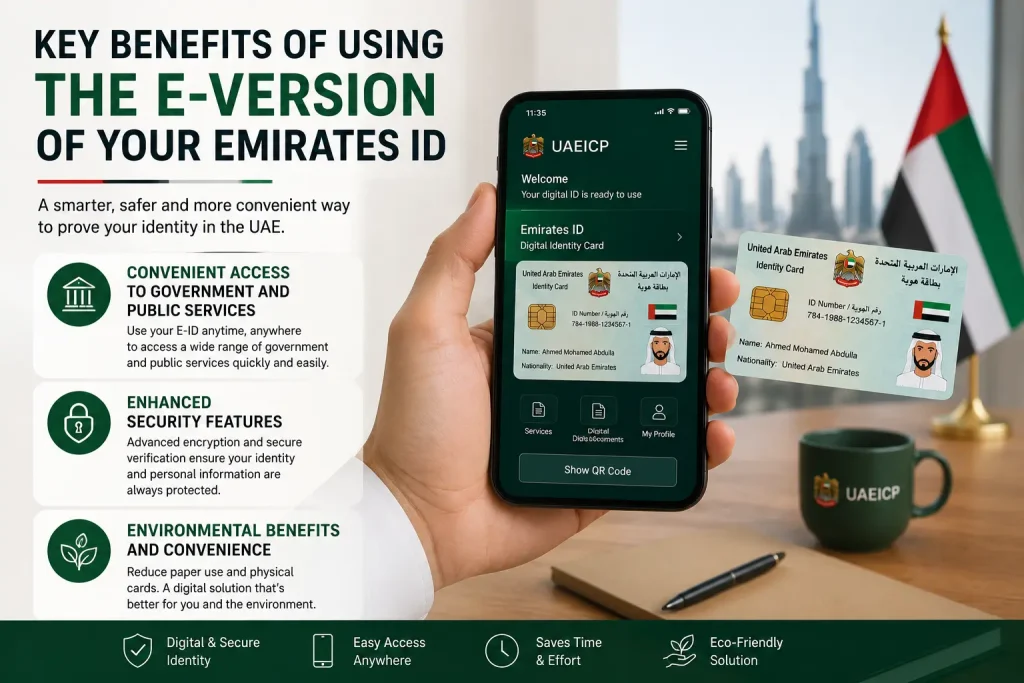
Environmental Benefits and Convenience
Going digital reduces plastic waste from card reprints. It also means fewer trips to ICP service centers. Your digital ID never fades, cracks, or gets damaged.
Updates happen digitally, saving time and resources for both residents and the government.
Where Can You Use Your Digital Emirates ID?
The digital Emirates ID is accepted across many services in the UAE. Below is a quick reference:
Service Category | Examples |
|---|---|
Government Services | ICP, MOHRE, GDRFA, DHA |
Banking | Account opening, KYC verification |
Healthcare | Clinic registration, insurance claims |
Telecom | SIM registration with Etisalat / du |
Travel | Airport check-in support, visa processing |
Education | University enrollment, school registration |
Always confirm with the specific entity whether they accept a digital copy before your visit.
How to Download the Emirates ID Online
You can download your Emirates ID online through three official methods. Each method is simple and takes just a few minutes.
Make sure your ID is active and not expired before downloading.
How to See My Emirates ID Online?
You can view your Emirates ID online through the ICP UAE website or the UAE Pass app. Both platforms display your full Emirates ID details, including your ID number, name, nationality, and validity.
You need your Emirates ID number and registered mobile number to log in.
Method 1: Download the Emirates ID from ICP UAE
The ICP UAE website is the official portal to download your Emirates ID. It is available 24/7 and does not require any app installation. You only need a browser and your registered UAE mobile number.
Step-by-Step Guide
Follow these simple steps to download your Emirates ID from the ICP portal:
Steps to Download the Emirates ID from the ICP UAE Website
Tip: Save the PDF in a secure folder or cloud storage for easy access.
Method 2: Download the Emirates ID from UAE Pass
UAE Pass is the fastest and most secure method to get your digital Emirates ID. It links directly to your ICP profile.
Once verified, your Emirates ID is always available in the app.
Step-by-Step Guide
Here is how to access and download your Emirates ID via UAE Pass:
Steps to Download the Emirates ID Online via the UAE Pass App
Note: UAE Pass also allows you to share your Emirates ID digitally with service providers without printing anything.
Method 3: Using the QR Code
The QR code method allows instant verification of your Emirates ID. It is especially useful when a service provider needs to confirm your identity on the spot.
How the QR Code Method Works
QR Code Feature | Details |
|---|---|
Location | Back of physical card / UAEICP App |
Data provided | Name, ID number, nationality, validity |
Verification speed | Instant |
Internet required | Yes |
Download the ICA UAE App
The ICA UAE App (also known as the UAEICP App) is the official app from the Identity and Citizenship Authority. It is a one-stop app for all Emirates ID services.
How to Download:
Key Features of the App:
Make sure to register with your Emirates ID number and UAE mobile number after installation.

Troubleshooting Issues with the E-Version of Your Emirates ID
Sometimes, you may face issues while downloading or using your digital Emirates ID. Most problems are easy to fix.
Check the steps below before contacting ICP support.
Common Problems with Downloading Your E-Version
Problem | Possible Cause | Solution |
|---|---|---|
OTP not received | Wrong mobile number registered | Update the number via the ICP or Emirates ID center |
Download fails | Browser issue or slow internet | Try a different browser or check your connection |
Invalid ID number | Typing error | Double-check your 15-digit Emirates ID number |
Session timeout | Too long on the page | Refresh and restart the process |
ID not found | ID may have expired or been cancelled | Visit the nearest ICP service center |
Resolving Issues When the E-Version Isn’t Accepted
Some service providers may still not accept a digital Emirates ID. Here is what to do:

Frequently Asked Questions
Conclusion
Downloading your Emirates ID e-version is simple, fast, and free. You can do it through the ICP UAE website, the UAE Pass app, or by using the QR code method. The digital copy is legally valid and accepted across hundreds of services in the UAE. Keep it saved on your phone for instant access whenever you need it.
For any issues, contact ICP at 600522222 or visit icp.gov.ae for support.